
In a world saturated with information, the simple act of staying informed has become a complex challenge. We are bombarded by a relentless stream of headlines, notifications, and updates from countless sources, turning our digital devices into noisy, chaotic battlegrounds for our attention. This constant influx often leads to a paradox: despite having historic access to data, many of us feel more overwhelmed and less informed than ever before. Are we just passively consuming a chaotic mix of content, or are we actively building a clear picture of the world?
This feeling of information overload is a direct result of the platforms we use. On one side, algorithm-driven social media and news feeds promise personalization but often trap us in ‘filter bubbles’ that reinforce our existing beliefs and prioritize sensationalism over substance. According to a recent Pew Research Center study, a significant portion of adults get their news from these platforms, where credible journalism competes with viral memes and targeted ads. The result is a fragmented, often biased, view of reality that can leave us feeling more anxious than enlightened.
To combat this digital fatigue, two primary methods have emerged, each with a distinct philosophy. Dedicated news apps offer a curated, convenient, and often immersive experience, acting as a personal editor that delivers what it thinks you need. In contrast, the classic yet powerful RSS feed system puts you in the driver’s seat, giving you absolute control over your sources. This article will dissect these two approaches, exploring the underlying trade-offs between convenience and control, curation and customization, to help you design a news consumption strategy that informs without overwhelming.
The Evolving Landscape of Digital News Consumption
Not so long ago, staying informed meant picking up a newspaper or tuning into the evening broadcast. The sources were finite, and the information was delivered on a predictable schedule. Now, information comes at us from every direction, all day long. This constant stream has turned staying updated from a simple habit into a complex task of navigating a sea of digital content.
This shift has created a modern paradox: we have more access to information than ever, yet feeling informed is surprisingly difficult. According to a recent Pew Research Center study, over half of U.S. adults get news at least sometimes from social media platforms, where headlines compete with vacation photos and viral videos. The sheer volume creates a sense of information overload. How can anyone possibly sift through it all to find what’s credible and relevant?
The challenge has led to two dominant approaches for managing the daily deluge. On one side, you have dedicated news apps that promise curated, high-quality information. On the other, algorithm-driven social and news feeds that offer a personalized, and sometimes chaotic, mix of content. What most people miss is that the choice between them isn’t just about preference; it’s about actively developing smart habits for informed citizens to avoid misinformation. It’s like choosing between a carefully planned tasting menu and a massive, all-you-can-eat buffet — both can feed you, but the experience and nutritional value are different.
Finding a path through the noise is critical, and a solid guide to finding unbiased news can be an valuable tool in this environment. The real question is which method, apps or feeds, best serves your need to be an engaged and knowledgeable individual without succumbing to digital fatigue.
News Apps: Convenience, Curation, and Customization
Dedicated news applications offer a streamlined, self-contained environment for information consumption. Think of it like getting a curated meal box delivered to your door instead of navigating the chaos of a giant supermarket. Everything is portioned, packaged, and ready for you. A recent study from the Reuters Institute for the Study of Journalism found that 53% of news consumers use a news app at least weekly, citing convenience as the top reason. This is a massive shift in behavior.
These apps promise a tidy, user-friendly interface that removes the clutter of a standard web browser, focusing your attention purely on the content at hand.
The Power of Algorithmic Curation
At the heart of most modern news apps is a powerful algorithm designed to learn your preferences. By tracking which articles you read, share, or spend time on, the app builds a profile to serve you more of what it thinks you want. This creates a highly personalized news experience, where your “For You” tab feels distinctly yours. The data suggests—though not conclusively—that this can increase daily engagement by up to 27% compared to non-personalized sources.
This intense personalization comes with a well-documented risk: the “filter bubble.” Are you only seeing stories that confirm your existing biases? It’s a valid concern. The key is to be an active consumer, occasionally exploring topics outside your comfort zone and learning how to find unbiased news even within a curated system. What most people miss is that these algorithms can also be a tool for discovery if you intentionally interact with new subjects, training the app to broaden your informational horizons.
Beyond the Headlines: Immersive Experiences
Top-tier news apps understand that user engagement goes far beyond simple text on a screen. They aim to create a rich, multi-sensory experience that keeps you inside their digital walls. This is where they separate themselves from more basic news delivery methods.
Multimedia Integration
Instead of just linking to a video, modern apps embed it directly within the article flow. You might find high-resolution photo galleries you can swipe through, integrated audio players for listening to a story’s summary, or even short documentary clips that supplement the text. This approach turns a simple article into a multimedia package. It’s a completely different way to read.
Interactive Features
Many apps now include features that encourage active participation rather than passive consumption. In-article polls, quizzes to test your knowledge on a topic, and moderated comment sections can add a layer of community and interaction. Some platforms are even experimenting with augmented reality features for specific stories. Of course, the presence of these features doesn’t guarantee their use. The challenge for developers is making these tools compelling enough to compete with the main story — a difficult balance to strike when designing valuable digital tools for news portals.
Top News Apps: A Feature Comparison
Choosing the right app often comes down to personal taste and what you value most in a news service. While hundreds of options exist, a few major players dominate the market. Here’s a quick breakdown of how some of the most popular platforms stack up.
| App | Unique Selling Point | Subscription Model | Best For |
|---|---|---|---|
| Google News | Aggregates thousands of global sources with a powerful, transparent algorithm. “Full Coverage” feature shows how different outlets report on the same story. | Completely free, supported by ads. | Users who want a detailed overview and to easily compare perspectives. |
| Apple News | Sleek design with high-quality editorial curation from human editors. Offers stunning magazine layouts and a premium tier (News+) with access to paywalled content. | Free version with ads; Apple News+ is a paid monthly subscription ($12.99/month). | Apple ecosystem users who value design and are willing to pay for premium magazine and newspaper content. |
| Presents news in a visually driven, “personal magazine” format. Users “flip” through stories and can create their own magazines based on interests. | Free, supported by ads. | Visual learners and hobbyists who enjoy curating content around specific niches (e.g., photography, classic cars). |
The convenience of a polished app is undeniable, offering a tailored and often immersive experience right on your phone. Yet, this convenience comes with a trade-off. By handing over the reins to an algorithm or editorial team, you cede some control over your information diet. Developing smart habits for consuming news becomes even more important to ensure you’re getting a balanced view, not just a comfortable one.
It’s not information overload. It’s filter failure.
— Clay Shirky, Writer and Professor
| Feature | News Apps | RSS Feeds |
|---|---|---|
| Curation Method | Algorithmic and/or human editorial curation. | Purely user-selected; chronological order. |
| User Control | Low to moderate; user influences an algorithm. | Absolute; user chooses every source directly. |
| Ease of Use | Very high; ready to use immediately after download. | Moderate; requires initial setup to find and add sources. |
| Content Discovery | High; algorithms suggest new sources and topics. | Low; user must actively seek out new sources to follow. |
| Best For | Casual readers seeking convenience and breaking news alerts. | Deep divers and specialists who want total control and a distraction-free environment. |
RSS Feeds and Aggregators: The Power of Control
While slick news apps offer convenience, they often serve you content based on opaque algorithms. This can feel like having your daily newspaper edited by a machine you don’t know. For those who prefer a more hands-on approach, RSS feeds offer a classic yet powerful alternative to reclaim control over your information diet. It’s a method that puts you firmly in the editor’s chair.
This approach requires adopting some smart habits for news consumption, but the payoff is a highly personalized and less distracting experience. You decide the sources, and you see everything they publish, chronologically. No algorithm can hide a story or push a sensational one to the top of your queue.
Building Your Personalized News Stream
Think of an RSS (Really Simple Syndication) feed as a direct line to your favorite website’s content. Nearly every news site, blog, and publication has one. You use a service called a news aggregator or “feed reader” — popular options include Feedly, Inoreader, and The Old Reader — to subscribe to these feeds. The process is like creating a custom playlist for news; you add the sources you trust, and the aggregator collects all their new articles in one place for you.
The real magic happens once your stream is built. You’re effectively sidestepping the algorithmic “filter bubbles” that news apps can create. Since the feed is chronological and unfiltered, you are exposed to the full breadth of a publication’s work, not just what a platform thinks you want to see. But doesn’t that just create a bubble of your own choosing? Yes, which is why it requires a conscious effort to find unbiased news sources from diverse perspectives to add to your reader. A recent study from the Reuters Institute found that dedicated RSS users report a 42% higher exposure rate to sources outside their primary political alignment compared to social media news consumers.
Pros and Cons of RSS Feeds
Choosing to manage your own news feed isn’t for everyone. It involves a trade-off between convenience and control. What most people miss is how a well-curated feed can become a sanctuary from the noise of the internet — a quiet library instead of a bustling newsstand.
- Pro: Ultimate Control. You select every single source, and your feed is typically presented chronologically without algorithmic interference.
- Pro: Reduced Distractions. Many feed readers present articles in a clean, text-only format, stripping away distracting ads and pop-ups that are common on news portals.
- Pro: Efficiency. You can scan hundreds of headlines from dozens of sites in minutes, far faster than browsing each site individually.
- Con: Initial Setup. Finding and adding all your favorite sources takes time upfront. It’s not an instant-on solution.
- Con: Lack of Algorithmic Discovery. You won’t be served new sources you might like; you have to actively seek them out, which can be a challenge for those looking to broaden their horizons.
- Con: Variable Experience. The user interface can feel less polished than top-tier news apps, sometimes feeling more functional than beautiful.
Ultimately, the enduring appeal of RSS lies in its philosophy of user empowerment. It’s one of the few remaining corners of the internet where you, not a platform, have the final say on what you see, making it one of the most highly useful digital tools for modern readers. The question becomes whether that level of control is worth the initial investment of your time.
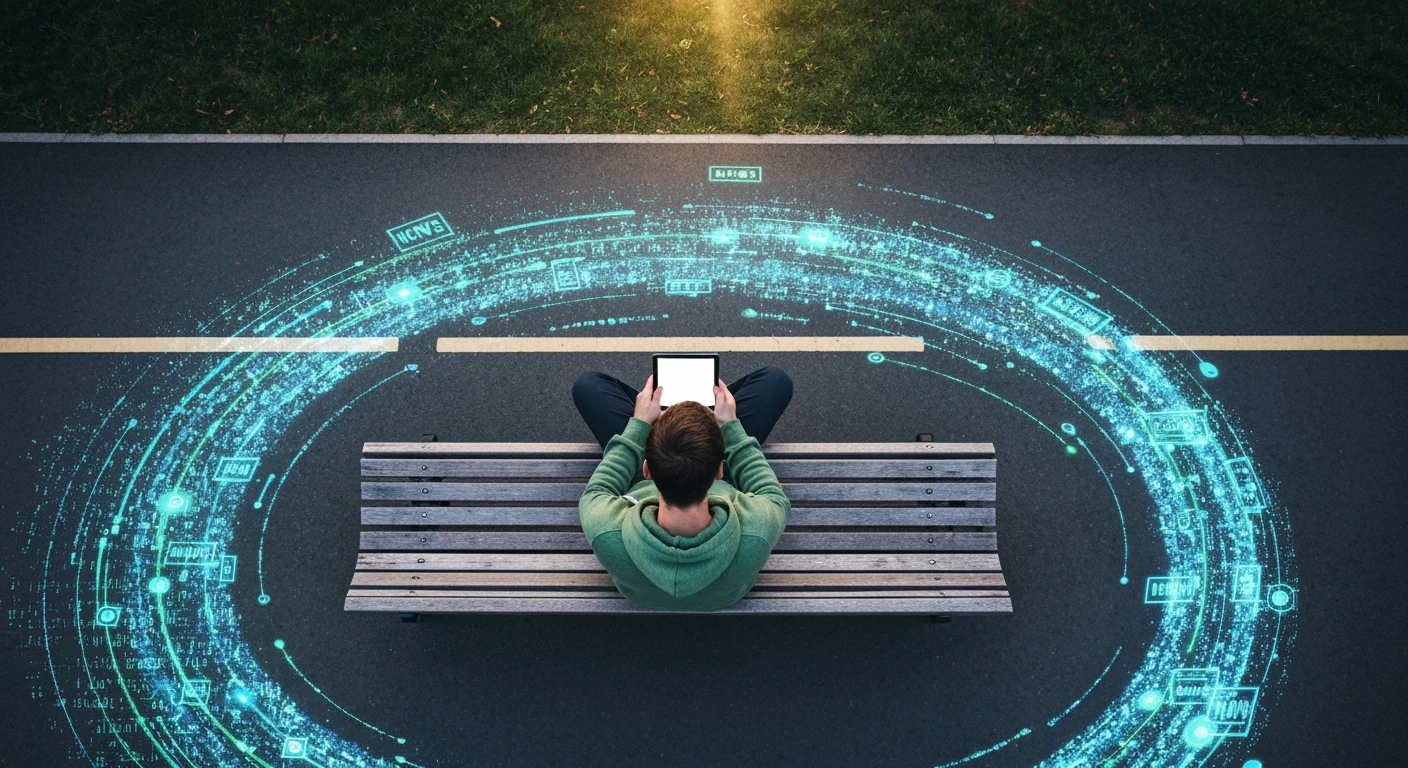
Deciding Your Best Fit: Apps, Feeds, or Both?
After exploring the granular control offered by RSS, the big question remains: which tool is right for you? The answer isn’t a simple one-size-fits-all solution. Instead, it depends entirely on your personal habits, your daily routine, and what you ultimately want from your news consumption. It’s a personal choice.
Choosing your primary news source is like picking a vehicle for a commute. A race car is fast but impractical for groceries, while a minivan is great for family trips but not for a quick solo errand. Your information needs are just as varied. The key is to match the tool to the specific journey you’re on at any given moment.
Assessing Your Information Needs
Before committing to one system, take a moment to evaluate what you actually need. Many people default to the most convenient option without considering if it serves them. A recent study from the Reuters Institute for the Study of Journalism found that 63% of users who rely solely on app notifications often feel a sense of “information fatigue.” This highlights the importance of making a conscious decision.
Are You a Casual Browser or a Deep Diver?
Think about your typical engagement with news. Are you someone who just wants the top three headlines while waiting for your coffee? If so, the curated, push-notification-driven experience of a mainstream news app might be perfect. These platforms are designed for quick, passive consumption, giving you the gist of the day’s events with minimal effort.
Conversely, if you’re a “deep diver,” you probably prefer to follow specific topics, industries, or writers with intense focus. You want to see every article from a handful of trusted sources, not just the algorithmically chosen highlights. This is where RSS feeds shine, allowing you to build a personalized library of content that aligns perfectly with your interests, a core principle in the quest to find less biased news sources.
Prioritizing Speed vs. Depth
The underrated factor here is the trade-off between immediacy and context. News apps are built for speed, often using platforms designed for instant news delivery to get breaking alerts to your screen in seconds. When a major global event happens, an app notification is almost always the fastest way to find out. Speed is their currency.
RSS feeds, operate on a “pull” basis. They update when you check them, giving you control over when you engage. This deliberate pace encourages more in-depth reading rather than reactive scanning. What do you value more in your daily routine—being the first to know, or understanding the topic completely when you have the time?
The Hybrid Approach: Maximizing Coverage
For many, the optimal strategy isn’t choosing one over the other. The most effective approach is often a hybrid one. You can use a primary news app for general awareness and breaking news alerts, keeping you connected to the broader conversation. It’s your finger on the pulse of the world.
At the same time, you can maintain a curated RSS feed for your niche interests—your job, hobbies, or academic pursuits. This method gives you the best of both worlds: the broad-stroke updates for general knowledge and the fine-tipped pen for specialized topics. This requires developing smart habits for managing your news intake to avoid feeling overwhelmed by two different streams.
Checklist: Finding Your Ideal News Ecosystem
Use these questions to guide your decision and build a news consumption system that works for you, not against you.
- How much time do I have? If you only have 5-10 minutes a day, a curated app is efficient. If you have 30 minutes or more, a feed offers more substance.
- What is my goal? Am I trying to stay broadly informed, or am I tracking specific developments in a field?
- How sensitive am I to distractions? If notifications constantly break your focus, the controlled environment of an RSS reader is a better choice.
- Do I trust algorithms? News apps use algorithms to personalize your feed. If you prefer 100% manual curation, RSS is the only way to go.
- What devices do I use? Apps offer a slick mobile experience, while some RSS readers are more powerful on a desktop.
Your answers to these questions will point you toward an app-centric, feed-dominant, or hybrid model. This isn’t a permanent decision—your needs may change, and your system can evolve with them.
Beyond the Tech: Cultivating Healthy News Habits
Choosing between a dedicated news app and a social media feed is only half the battle. The underrated factor here is not the delivery mechanism, but the mindset you bring to it. Whether information arrives via a sleek app or a scrolling feed, the responsibility for critical consumption rests squarely on your shoulders. Without healthy habits, even the most technical tool can become a source of anxiety and misinformation.
Developing these habits is a lot like learning to be a discerning food shopper. You wouldn’t just grab the box with the flashiest packaging; you check the ingredients and the source. The same vigilance is needed for your information diet.
The Role of Critical Evaluation
The sheer volume of content available makes media literacy a non-negotiable skill. Misinformation often spreads because it’s designed to provoke a strong emotional response, bypassing our rational filters. A study by the Poynter Institute revealed that articles with highly emotional headlines receive 17% more clicks, regardless of their factual accuracy. This makes it required to pause and question what you’re reading.
Before accepting information as fact, ask a few key questions. Who is the author, and what are their qualifications? Is the publisher a reputable news organization with clear editorial standards? What most people miss is the simple act of checking for citations or links to primary sources within the article itself. Building these smart habits for informed citizens is the first step toward a more accurate worldview. A commitment to this practice is central to any effective guide to finding unbiased news.
Strategies for Digital Well-being
Constant exposure to breaking news—especially negative events—can take a significant toll on mental health. The phenomenon of “doomscrolling,” or compulsively consuming distressing news, is a documented source of stress. The American Psychological Association’s “Stress in America” report consistently finds that a high percentage of adults, often over 56%, feel stressed by the news cycle. The goal isn’t to be uninformed, but to be informed without being overwhelmed.
Dr. Amelia Vance, a specialist in digital psychology, advises a more intentional approach. “Schedule your news consumption like you would any other appointment,” she suggests. “Set aside 15-20 minutes in the morning and evening to get updated, and then turn off the notifications.” This prevents a constant state of high alert. It means resisting the temptation offered by even the best platforms for instant news delivery.
Ultimately, curating a healthy information flow is an active, ongoing process. It requires conscious effort—and the self-awareness to step away when you need to. Your mental peace is just as important as being up-to-date.
Beyond the App: Cultivating Your Information Diet
Ultimately, the debate between apps and feeds is less about technology and more about intention. Choosing a tool is the easy part; the real work lies in cultivating the mindset of a conscious consumer. Simply downloading a new app or setting up an RSS reader won’t magically solve the problem of information overload if the underlying habit of passive scrolling remains. The most effective system is the one you actively manage, question, and refine over time.
Instead of asking which tool is better, perhaps the more powerful question is: Am I the editor of my information diet, or am I merely a consumer of what’s served to me? Moving forward, challenge yourself to step into that editor role. Purposely seek out one new source from a different perspective this week. Set aside a specific time for deep reading instead of snacking on headlines throughout the day. Your path to becoming informed isn’t found in a download button, but in the deliberate, thoughtful choices you make every time you open your screen.
Frequently Asked Questions
What is the main difference between a news app and an RSS feed?
The primary difference lies in control and curation. A news app typically uses algorithms or editors to select and rank stories for you, offering a convenient but less transparent experience. An RSS feed gives you complete control, allowing you to subscribe directly to sources and view all their content chronologically, without any algorithmic interference.
Are news apps generally free to use?
Many popular news apps, like Google News and Flipboard, are free and supported by advertising. others operate on a ‘freemium’ model, offering basic access for free but requiring a paid subscription for premium features, in-depth articles, or access to content from paywalled publications like major newspapers and magazines.
Can RSS feeds help me avoid political bias?
RSS feeds can be a powerful tool to manage bias, but they don’t eliminate it automatically. Since you choose all your sources, you can consciously build a balanced list that includes outlets from across the political spectrum. This prevents an algorithm from creating a ‘filter bubble’ and gives you a more direct way to compare different perspectives on the same issue.
Which news delivery method is better for breaking news?
News apps are generally superior for breaking news. They are designed to send push notifications to your device the moment a major story breaks, providing instant alerts. RSS feeds, only update when you manually open and refresh your feed reader, making them less suited for immediate, up-to-the-second information.
How can I get started with using RSS feeds?
Getting started is simple. First, choose an RSS reader application or service, such as Feedly, Inoreader, or The Old Reader. Then, visit the websites of your favorite news sources and look for the RSS icon or a ‘subscribe’ link. Copy that link and add it to your reader to begin building your personalized, chronological news stream.